SOLO INDIE DEVELOPMENT

I'm building
ORION.

Hey, I'm the dev behind Low Orbit Games. This is where I share ORION, the simulation engine behind it, and the editor I use to put it all together.

Take a look
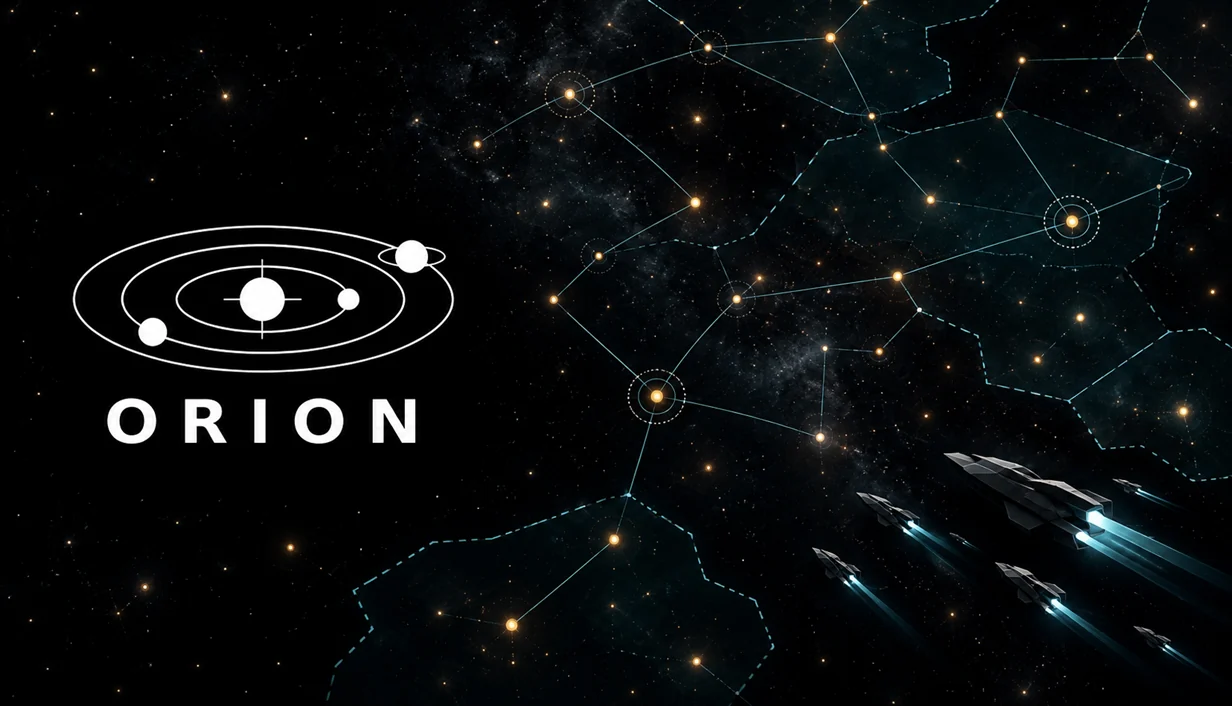
ORION artwork: a network of stars and a fleet of ships crossing the galaxy
ORIONA SPACE STRATEGY GAME IN THE MAKING
CODE, GALAXIES, AND WORK IN PROGRESS.LOW ORBIT GAMES
01ORIONTHE GAME 02ChronosEngineTHE SIMULATION 03ChronosEditorTHE EDITOR

ORION.

IN DEVELOPMENT

Space strategy.
Plenty to get stuck into.

ORION is the game I'm making: explore a galaxy, build up your colonies, design ships, and figure out what to do about the neighbors. It runs in real time, with pause and speed controls when you need a moment to think.

GENRE
Space grand strategy
PACE
Real time with pause
PLAY
Solo, LAN & Steam multiplayer
01 / EXPLORATION

See what's out there.

Send science ships to survey stars, uncover discoveries, and find somewhere worth settling. Outposts claim systems, and orbital deposits help keep the resources coming in.

02 / COLONIES & ECONOMY

Keep the colonies running.

More planets means more to look after: housing, jobs, food, services, and supply. Population and production feed into the same economy, so growth comes with a few things to juggle.

03 / RESEARCH

Give the scientists something to do.

Research unlocks hulls, ship components, buildings, and new capabilities. Those choices change what you can build and how you develop your empire.

04 / FLEETS

Build ships for the job.

Choose equipment, put designs into production, and organize your fleets. Repairs, refits, reinforcements, and logistics matter once they're a long way from home.

05 / DIPLOMACY & ESPIONAGE

Deal with the neighbors.

Trade, negotiate treaties, and work through subject or federation relationships. Operatives can gather information about territory, technology, and military strength when you need a closer look.

06 / POLITICS & CRISES

Handle the unexpected.

Political groups have demands, policies have consequences, and the galaxy has problems of its own. Crises bring research, engineering, relief work, and military responses into play.

SINGLE PLAYER / MULTIPLAYER / MODS

Play on your own. Or bring friends.

ORION has single-player campaigns and multiplayer for up to eight commanders. Here's how the different ways to play fit together.

Single player

Run your empire against AI opponents. There's also an observer mode for watching a galaxy play out on its own.

Local network / LAN

Host on your network, find a lobby automatically, or join by IP address. Each player runs their own copy of the game.

Steam multiplayer

Steam lobbies, invitations, and public, friends-only, or private sessions. Steam also carries the campaign traffic once the game starts.

Pick up a saved multiplayer campaign

Host a save over LAN or Steam, choose your empires in the lobby, and carry on. Empires that nobody takes over stay under AI control.

Local mods & Steam Workshop

The mod manager loads local content mods and subscribed Workshop packages, with dependency checks and load-order handling. Mods are part of the campaign's compatibility checks when joining other players.

The multiplayer bit, technically

Campaigns use host-authorized lockstep: players submit orders, the host agrees their order, and each peer runs the simulation. State hashes and snapshots support consistency checks and recovery. LAN uses TCP for campaign traffic; Steam uses its own reliable transport.

This is still a development build. LAN host/client and recovery paths have automated coverage; the full Steam flow still needs testing across real machines.

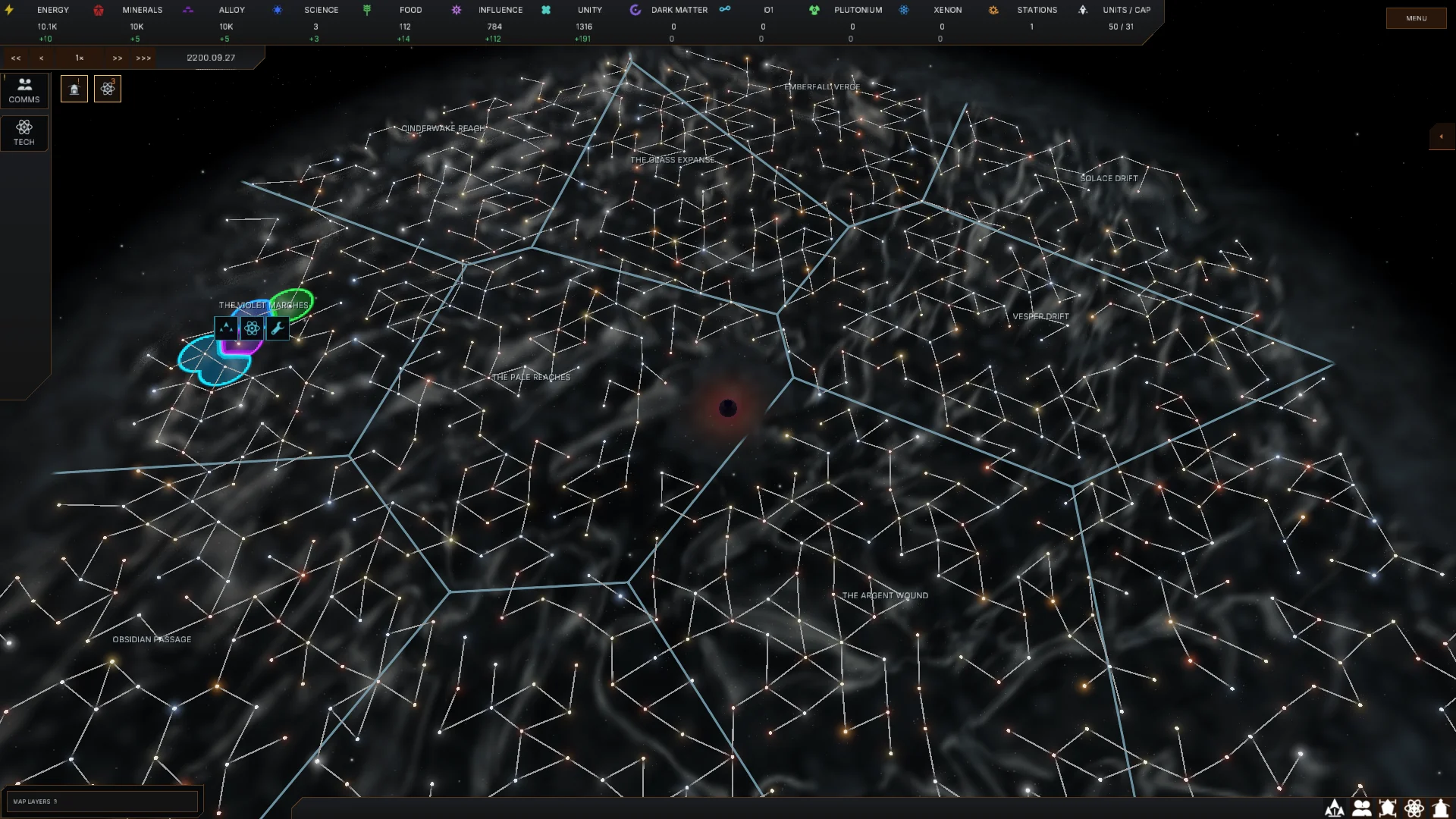
The screenshots are from an earlier build. I'll replace them as the game gets closer to its current look.

THE TECHNICAL BIT

The sim.
The editor.

These are two different projects. ChronosEngine works out what happens in the galaxy. ChronosEditor is where I build the scenes, UI, and presentation. ORION connects them into the game you play.

02 / THE SIMULATIONC# / .NET 10

ChronosEngine.

This is the simulation engine behind ORION. It owns the galaxy state, runs the game systems, and applies player and AI orders. It can run headless, so I can test a campaign without opening the editor or drawing a frame.

What's being simulated?

Economy, population, research, politics, diplomacy, logistics, AI, movement, and combat. They run through an ordered pipeline, with their results feeding into the next part of the world update.

Deterministic C# simulation

The core targets .NET 10 and uses fixed-point math, seeded random generators, and a defined system order. With matching builds, content, starting state, and ordered inputs, I can replay a campaign and compare the resulting state.

Two clocks, with pause & speed control

There's a canonical 20 Hz real-tick pipeline for commands and movement, alongside a game clock for the calendar and speed-dependent systems. That rate is the scheduling design; actual throughput depends on the workload.

One owner of the world state

A dedicated worker advances the simulation. Player and AI commands enter through queues and are applied at defined boundaries. The game reads completed snapshots for its UI and visuals, rather than poking around in a world that's being updated.

Saves, restores & repeatable tests

Versioned snapshots preserve campaign state, clocks, queued orders, and random-generator state. Headless tests can load a save, run the same inputs, restore partway through, and check whether the final state still matches.

How it connects to ORION

ChronosEngine is built as ChronosSimulationCore.dll. ORION sends it commands and uses its published state to update the interface and scene. Rendering and editor tools live outside the simulation core.

GALAXY STATE, RULES, AND SIMULATION

03 / THE EDITORDESKTOP TOOLS

ChronosEditor.

This is where I put ORION together. Scenes, assets, materials, interfaces, scripts, and a lot of pressing Play to see what broke. The editor and its runtime tools handle the visual side around the simulation.

Scenes, components & C# scripts

A searchable hierarchy, multi-selection, transform gizmos, snapping, and undo for working on scenes. The Inspector exposes component settings and public script fields, including references to objects and UI controls.

Assets, materials & shaders

Import glTF models, tune texture settings, and work with reusable scene and UI prefabs. Custom materials can use HLSL shaders or node graphs, with previews in the editor.

Rendering & the visual runtime

The editor's stack includes WebGPU rendering, physically based materials, Forward+ lighting, HDR effects, instancing, culling, and mesh LODs. Its runtime also provides Bepu physics, positional audio, input, and C# script callbacks.

A visual UI editor

I build Clay interfaces on a live canvas with layout controls, move and resize tools, resolution presets, and reusable UI prefabs. Inspector bindings connect the controls to gameplay code.

Play, pause, inspect, repeat

Compile scripts, enter Play mode, pause, or advance a step to inspect behavior. Stopping Play restores the authored scene and UI, ready for the next change.

Profiling & standalone builds

The profiler shows CPU and script timings, allocations, GPU passes, renderer work, and resource use. Export tools package scenes, scripts, materials, and UI into a standalone GamePlayer, with macOS, Windows, and Linux build target options.

SCENES, UI, PRESENTATION, AND BUILD TOOLS

Three projects, one game.

ChronosEngine runs the simulation. ChronosEditor is where I build and test the scenes, interfaces, and presentation. ORION brings them together as the game.
FROM THE TEST BENCH / 7 OCTOBER 2026

A few actual numbers.

This is a recorded ChronosEngine run at the Slow game-speed preset: 5,000 systems, 24,785 planets, 18,364 colonies, and 51 empires. I measure the simulation separately from rendering.

80,700

Live units

In the measured world.

49.66 ms

Mean execution tick

20.14 headless execution ticks per second on average.

120.71 ms

95th-percentile tick

Slower ticks still go over the 50 ms base budget.

Headless simulation timings, not rendered FPS. The Slow preset advances one game tick per eight execution ticks, half the Normal preset's game-clock rate. This run measured 960 execution ticks after 120 warmup ticks.

Test setup & the less pretty numbers

The run used .NET 10.0.7 on macOS 27.0.1 / Arm64, with 10 logical processors. The report doesn't record a CPU model or RAM, so I'm not attaching a hardware claim to it. The 99th-percentile tick was 134.99 ms and the slowest was 368.03 ms.

This was the final crisis-core candidate tested on 7 October and installed on 8 October 2026. These are a snapshot of that build and workload, not a promise for every galaxy or machine. View the recorded benchmark data

Checking correctness alongside speed

A separate 960-tick crisis replay compared a reference run with four workers, including a save and reload at tick 480. State, published views, ordered notifications, and final saved bytes matched in that test.

Hi. It's just me.

Low Orbit Games is my indie-dev corner of the internet. I'm working on ORION, ChronosEngine, and ChronosEditor myself.

That means the game, the simulation, the tools, and plenty of bug fixing along the way. I'll share more as they develop. For now, this is a look at what I'm building and how it works.

Back to the top